Upload Your WhatsApp DP Without Losing Quality
Tired of your sharp photos turning blurry when you set them as your WhatsApp profile picture? This happens due to WhatsApp’s automatic compression. To maintain high quality, follow these steps:
-
Use the Right Dimensions: Ensure your image is at least 500x500 pixels. This size helps maintain clarity.
-
Choose the Correct Format: Opt for JPEG or PNG formats for better quality retention.
-
Adjust Image Quality Settings: In WhatsApp, go to Settings > Storage and Data > Media Upload Quality, and select “Best Quality” WhatsApp Help Center.
-
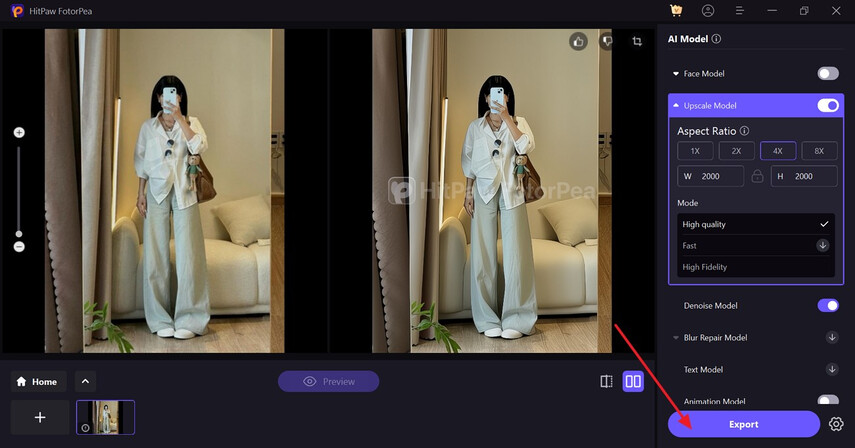
Enhance Image Before Uploading: Use tools like HitPaw FotorPea to upscale and sharpen your image before setting it as your DP.
By following these steps, you can ensure your WhatsApp profile picture remains clear and sharp.